
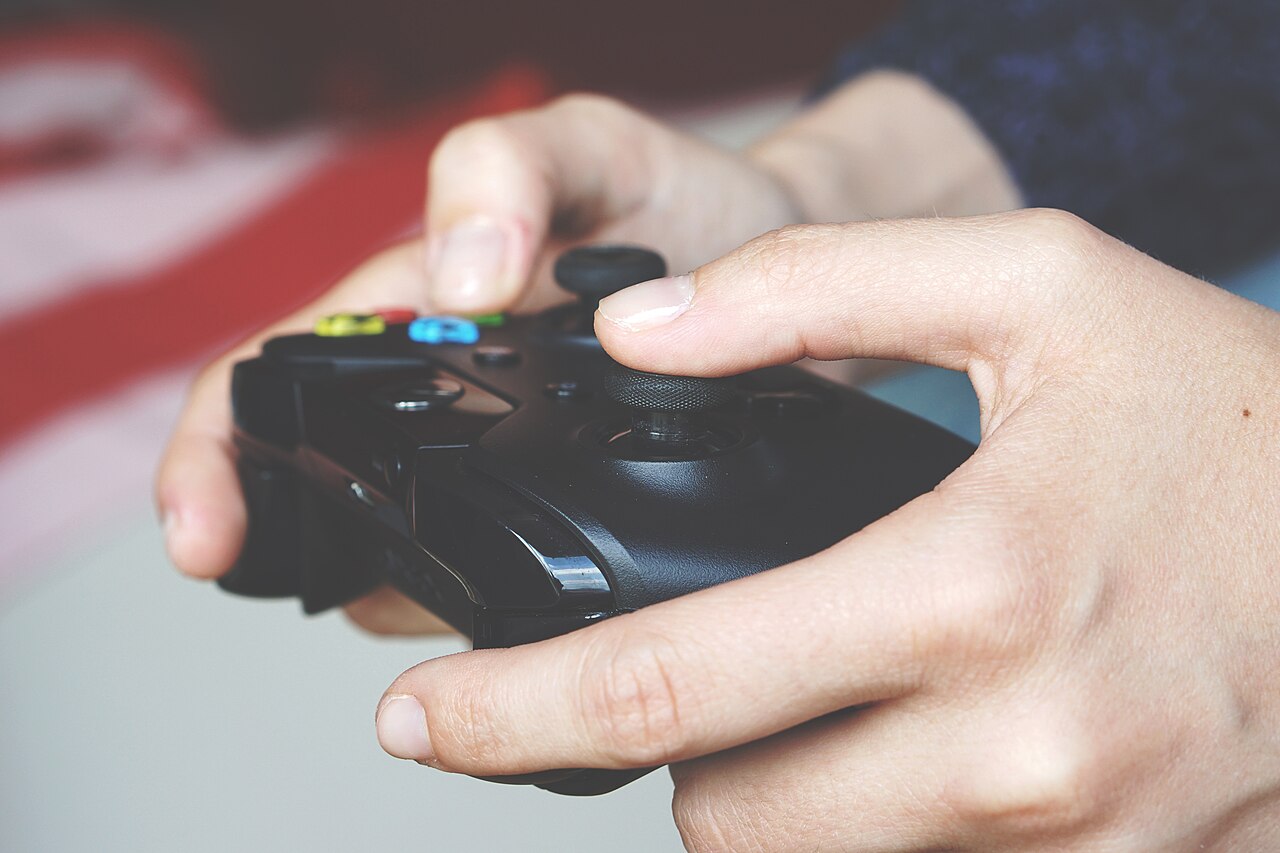
A plain-English guide to haptic feedback in game controllers: how the motors work, how modern haptics differ from old rumble, and what to check before you buy.
Quick hits
- Haptic feedback creates a sense of touch through forces, vibrations or motions, and rumble is just one basic kind of it.
- Older controllers use spinning-weight motors that produce one broad shake; newer voice coil actuators deliver sharp taps and textures.
- A controller only shows its full haptic range in games that send detailed effect patterns; basic rumble support means a basic result.
- Haptics do not raise frame rates or lower input lag, but they add physical cues such as directional damage alerts and traction loss.
- Vibration motors draw extra power, so turning effects down is a simple way to stretch a wireless controller’s battery.
Every modern controller shakes in your hands at some point: when you take a hit, land a jump, or scrape a wall in a racing game. That feedback is called haptics, and it has quietly become one of the biggest differences between a cheap gamepad and a good one. This guide explains what haptic feedback is, how the motors inside a controller produce it, and what to check before you pay for a controller that promises it.
What Haptic Feedback Actually Is
Haptic technology creates an experience of touch by applying forces, vibrations or motions to the user. The word comes from the Greek “haptikos,” meaning tactile or pertaining to the sense of touch. In practice it covers everything from the tap you feel when typing on a phone keyboard to a steering wheel that pushes back against your hands. Game controllers, joystinks and steering wheels are among the most common simple haptic devices, and the technology has spread far beyond games; analysts expect the haptic technology market to surpass $8.21 billion by 2030.
Researchers generally split touch feedback into two broad categories: kinesthetic and tactile. Kinesthetic feedback involves forces you feel in muscles and joints, like resistance pushing back on a trigger. Tactile feedback is what your skin senses, like a buzz or a tap. Most gamepads lean on the tactile side, using vibration to signal events, though adaptive triggers blur the line by adding real resistance to the buttons.
Haptics vs. Old-School Rumble
Rumble is one kind of haptic feedback, not a separate technology. What has changed over the years is the hardware producing it.
The mid-1990s brought touch feedback into living rooms. The Nintendo 64 controller accepted a Rumble Pak accessory, and games of that era used the shake to signal when your character got shot. Arcades got there first: in the early 90s, Virtua Racing featured a force-feedback steering wheel that shook with the on-screen action. The idea is even older than gaming. Large aircraft have long used stick shakers to warn pilots of an approaching stall, a force cue built directly into the controls.
Old rumble was broad. Many pads used a single motor or a simple arrangement, so explosions felt strong and impacts felt present, but the controller could not tell your left hand from your right. Dual-motor systems added separation: one side of the controller can now feel different from the other, which makes directional hits and driving feedback easier to read.
Modern haptic controllers go further. Newer actuators produce sharp taps and surface-like textures instead of one big shake, and some pair them with triggers that change how much resistance you feel as you pull. The effect can feel closer to texture and pressure than to shaking.
How the Motors Inside a Controller Work
Two actuator designs do most of the work in controllers.
The older design is the eccentric rotating mass motor: a small motor spinning an off-center weight. It is inexpensive and effective at a broad, heavy shake, but it takes a moment to spin up and slow down, so it cannot produce sharp, precise effects. Two of these, one in each grip, were the standard for years.
The newer design is the voice coil actuator, which can produce quick taps, rumbles and textures rather than a single heavy shake. That is why a modern controller feels crisper than an older one even when both are playing the same basic vibration signal.
Software ties it together. Haptic drivers and actuators inside the controller connect to code that decides when to fire an effect to mirror what is happening on screen. There is an important catch: a controller can only produce detailed effects when the game sends detailed patterns. A game that supports only a basic two-motor rumble signal will get a basic result, no matter how advanced the hardware is.
An Illustration: Taking a Corner in a Racing Game
An illustration: say you drift a car onto gravel. A rumble-era controller fires both motors, and your hands feel a general shake until you regain the road. A haptic controller can buzz the left grip harder because your left wheels hit the loose surface first, layer in a rougher texture that suggests gravel rather than pavement, and stiffen the trigger resistance as you brake. Nothing on screen changed between the two cases. The difference is how much detail reaches your hands.
What Haptics Add to Different Game Types
Haptics will not raise your frame rate or lower input lag by themselves. What they do is add a physical channel for information your eyes and ears are already tracking. Players use that channel in a few ways:
- Off-screen awareness. Vibration can act like a notification for damage, traction loss or an ability coming off cooldown while your eyes stay on the action.
- Rhythm and timing. Consistent vibration patterns can help you learn rhythms in racing and music games.
- Reading events faster. Layered, separated feedback can help you interpret hits and impacts sooner, especially in shooters and fighting games.
| Game type | What haptics typically add |
|---|---|
| Racing | Surface changes, traction loss, road bumps |
| Shooters | Directional hit alerts, recoil feel, weapon switching |
| Fighting | Impact strength and timing on blocked or landed hits |
| Adventure and platformers | Textures, terrain, environmental cues |
In slower games the payoff is mood rather than information, and that is worth something too. Our picks for cozy games to unwind with pair nicely with gentle, subtle feedback. On the competitive side, haptic cues can nudge your reactions, but they will not replace fundamentals. If a tough encounter keeps beating you, the controller is rarely the problem; our strategies for beating hard boss fights cover what actually matters.
What to Check Before You Buy
Do not shop by the vibration label alone. Before you buy, check:
- Actuator type. Voice coil actuators deliver sharper, more varied effects than spinning-weight motors. A product page that names its actuator is usually one worth reading closely.
- Game support. Detailed haptic effects exist only in games built to send detailed patterns. If most of the games you play offer simple rumble, a premium actuator has less to work with.
- Intensity settings. Good controllers let you adjust or disable vibration in the console or game settings.
- Where you play. Advanced haptics tend to be strongest on the platform the controller was designed for. The same controller plugged into a PC can fall back to a more basic signal depending on the game.
- The rest of the controller. If you mostly play competitive games, responsiveness and button layout matter more than vibration. How often a controller reports its inputs to the PC is its own spec worth checking; our explainer on polling rate breaks it down.
The Trade-Offs: Battery, Software Support and Noise
Battery comes first for wireless players. Vibration motors draw extra power, and that cost shows up between charges. Turning vibration down or off is one of the simplest ways to stretch a battery across a long session.
Pro tip
If you play mostly on a wireless controller, try lowering vibration intensity before charging more often. Many games feel nearly identical at a lower setting, and the extra play time adds up fast.
Software support is the bigger catch. A haptic controller playing an older or cross-platform game is often reproducing a simple rumble signal with better hardware, which is an improvement but not the full effect. The most impressive implementations come from games designed specifically for the controller in your hands.
Noise is the last trade-off. Spinning-weight motors produce an audible whir along with the shake, and even refined actuators make a faint sound. At low volume late at night, that buzz can be more noticeable than you expect, which is one more reason the intensity slider is worth finding before your first long session.
Player questions
Is haptic feedback the same as rumble?
Rumble is one kind of haptic feedback, not something separate. The difference is the hardware: modern haptic controllers use actuators that produce sharp taps and textures instead of one broad shake.
Do haptics make you a better player?
They can help you read events, like a directional hit alert, but they do not raise frame rates or lower input lag. Fundamentals such as practice and setup matter more.
Does controller vibration drain the battery?
Vibration motors draw extra power, and on a wireless controller that cost shows up between charges. Turning effects down or off is one of the simplest ways to extend play time.
Why do haptics feel different from game to game?
A controller can only produce detailed effects when the game sends detailed patterns. Games that support only a basic two-motor rumble signal will feel simpler no matter how advanced the controller is.
Games, platforms and settings change with updates, so check the official help pages for your platform if something looks different.