
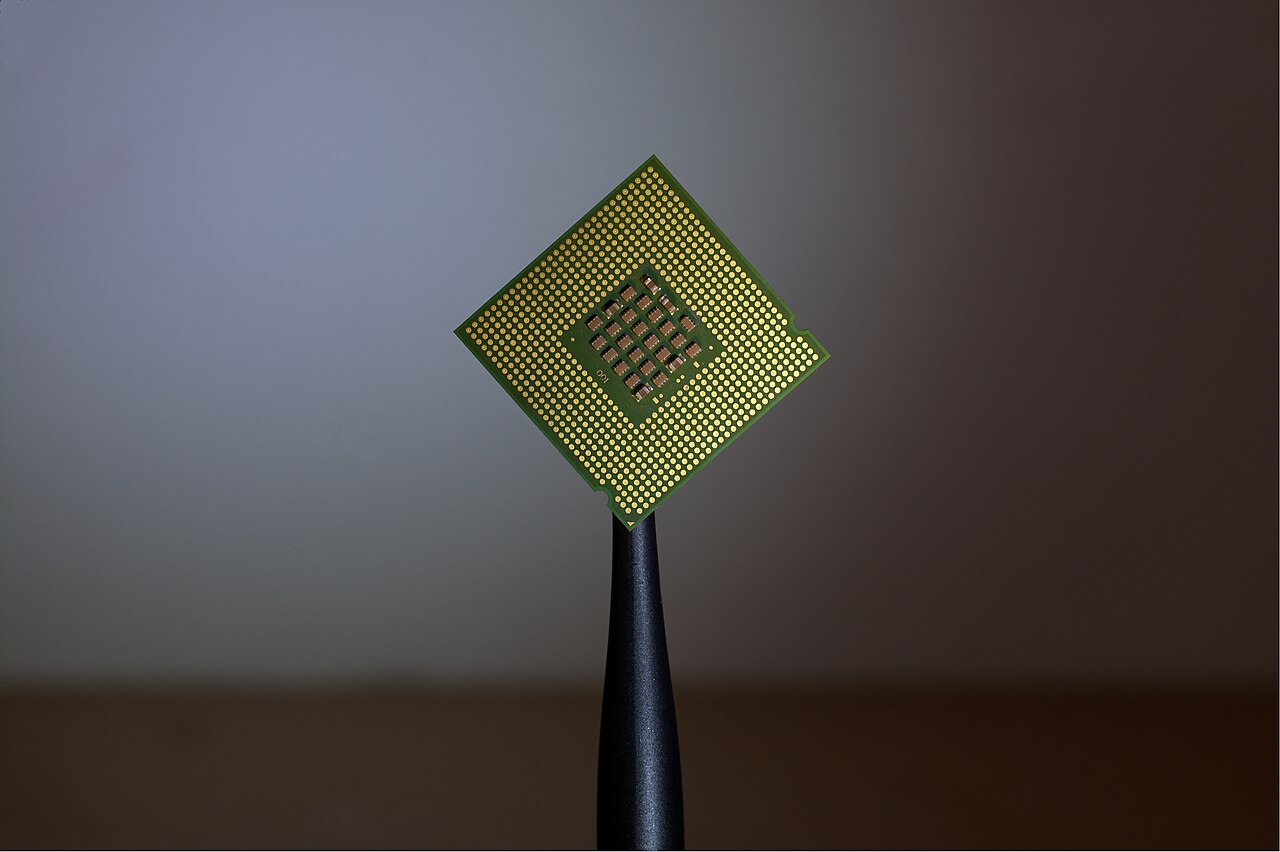
More RAM is one of the most commonly oversold upgrades in PC gaming. Here is what memory actually does, how much games really need, and when buying more pays off.
Quick hits
- RAM is fast temporary storage between the processor and your SSD, holding game assets and background apps while you play.
- Adding capacity beyond what you need rarely raises frame rates; memory speed and dual-channel pairing matter more for smoothness.
- Microsoft now calls 16GB the baseline for Windows 11 gaming PCs and 32GB the no-worries amount for playing alongside browsers or Discord.
- DDR5 at 6000MT/s hits a sweet spot: benchmarks show good gains over entry speeds, with faster kits adding little FPS.
- Upgrade if games stutter or crash or your memory fills up while multitasking; skip it if frame rates are low while memory sits half empty.
Few PC upgrades get oversold as often as memory. Hardware threads are full of players convinced that another 16GB will transform their frame rates, while others insist RAM barely matters at all. The truth sits between those poles: memory makes a real difference in specific situations and almost none in others. Here is what the evidence actually shows, and how to spend your money well.
What RAM Actually Does While You Play
RAM, short for random access memory, is your computer’s short-term workspace. When you launch a game, assets like textures, maps, character models, and game logic load into RAM so the processor can grab them quickly instead of constantly pulling from slower storage. It sits between the processor and your SSD or hard drive, and it is one of the fastest components in the whole system.
Capacity matters in a second way: everything else you run competes for the same space. The operating system, a browser, and chat apps all load into memory alongside your game, so more RAM means more room for everything at once.
Myth: Adding RAM Always Raises Your Frame Rate
Fact: if you already have enough capacity, adding more rarely changes frame rates. RAM keeps stuttering, slow loading, and crashes at bay, but it does not multiply the frames your system renders. What can move FPS is memory speed and latency, not the raw amount, and only in some games. Some titles are more memory- or processor-bound than graphics-bound, which is why the graphics card, which deservedly gets most of the attention, is not the whole performance story. When a game runs short on memory, the symptom is stuttering or a crash, not a small frame drop that extra gigabytes would smooth over.
How Much Memory Games Really Use Today
The bar has moved. 8GB was once the go-to for most PC games, but many modern games now stretch that limit, especially when other apps run alongside them. Microsoft now lists 16GB as the baseline for Windows 11 gaming PCs and calls it a starting point that comes with compromises. The company’s recommended “no worries” amount is 32GB, which gives a demanding game breathing room while Discord, a browser with several tabs, or streaming tools run in the background. That headroom is not theoretical: Discord can temporarily consume several gigabytes, and memory-hungry browsers behave much the same way.
| Capacity | What the sources show |
|---|---|
| 8GB | Once the standard for most PC games. Many modern titles now stretch that limit, especially with multitasking. |
| 16GB | The practical starting point. Microsoft calls it the baseline for Windows 11 gaming, with compromises. |
| 32GB | Microsoft’s “no worries” amount. Enough headroom for a demanding game plus Discord, a browser, or streaming tools. |
Myth: You Should Always Fill Every Memory Slot
Fact: dual-channel performance comes from matched pairs, not from a full motherboard. When two identical modules run in dual-channel mode, the memory bandwidth aggregates and doubles, which brings smoother gameplay. Capacity is a separate question: four 8GB modules and two 16GB modules reach the same 32GB, so filling every slot is not required. One nuance worth knowing is that larger dual-rank kits, such as two 32GB modules for 64GB, are more limited by chipsets in how fast they can run.
Pro tip
Before buying, check your motherboard model against the memory maker’s qualified vendor list (QVL). It shows which kits are tested and supported on your board, along with the rules to follow when overclocking.
Does RAM Speed and Dual-Channel Matter for Games?
Yes, but with a ceiling. Faster memory speeds paired with lower latencies have a direct impact on some games, and dual-channel mode doubles your bandwidth. On DDR5, industry-standard speeds start at 4800MT/s, where MT/s means megatransfers per second, the rate at which data moves on and off the module. In Kingston’s own benchmarking with an Intel 13th Gen processor and a Z790 motherboard across eight popular games, 6000MT/s delivered good improvements over entry-level speeds, while faster kits did not produce significantly better FPS. That is why 6000MT/s DDR5 gets called the sweet spot: real gains up to that point, then diminishing returns.
When an Upgrade Genuinely Helps
A memory purchase makes sense in a few concrete situations:
- Games stutter, load slowly, or crash, which are the classic signs of insufficient RAM.
- You multitask while playing, running streaming software, chat apps, or a browser full of tabs.
- You sit at 16GB and want room for newer titles, whose memory demands keep rising as games grow more complex.
Timing matters too. RAM prices are high at the moment and are expected to stay that way, so plan the upgrade rather than panic-buying. If you are deciding what to replace and when, our timeline for upgrading a gaming PC lays out the order that usually makes sense, and anyone putting together a first build should review the mistakes to avoid when building your first gaming PC before ordering parts.
How to Tell Whether Memory Is Your Bottleneck
Watch your memory usage during a normal play session, with the background apps you actually use. If usage runs close to full and games stutter or crash, more RAM will help. If memory sits comfortably half empty while frame rates stay low, the bottleneck lives elsewhere, likely in graphics settings or the GPU. Two more checks sharpen the picture. Game spec sheets list a minimum RAM amount but rarely say anything about memory performance, so treat them as a floor rather than a target. And storage speed matters alongside capacity: Microsoft recommends SSDs, not hard drives, for Windows and your games, since slow drives show up as long load times no matter how much RAM you have.
Player questions
Is 16GB of RAM still enough for gaming?
For most players, yes. Microsoft describes 16GB as the practical baseline for Windows 11 gaming, though it notes compromises if you run browsers, Discord, or streaming tools alongside your game.
Do I need four RAM sticks to get dual-channel performance?
No. Dual-channel bandwidth comes from running matched pairs of modules, so two sticks can deliver it. Filling every slot is about capacity, not speed.
Does faster RAM increase FPS?
It can in some games, since faster speeds and lower latencies affect titles that are memory- or processor-bound. In Kingston’s testing, 6000MT/s DDR5 brought good gains over entry speeds, while faster kits did not produce significantly better FPS.
How do I know if RAM is my bottleneck?
Watch memory usage while playing with your usual background apps. If usage runs close to full and games stutter or crash, more RAM will help. If memory sits comfortable while frame rates stay low, look elsewhere.
Games, platforms and settings change with updates, so check the official help pages for your platform if something looks different.