
Both cooler types do the same job in different ways. Here is how air and AIO liquid cooling compare on price, noise, upkeep and reliability.
Quick hits
- Air coolers are generally cheaper and easier to install and maintain, which makes them a strong fit for budget and midrange builds.
- AIO liquid coolers suit high-end CPUs, moving heat to a large radiator with multiple fans for strong cooling and quiet operation.
- AIO failure modes include pump failure, leaks and air pockets, and a failed loop usually means replacing the whole unit.
- An undersized cooler causes throttling, where the CPU does not run at the speed you paid for, so cooling capacity is performance.
- Case airflow matters for both types, since cooler air reaching the radiator or heatsink means a cooler CPU.
The CPU cooler gets less attention than the graphics card, but it decides how hot your processor runs, how loud your PC sounds under load, and how much performance you pull from the parts you paid for. Air coolers and all-in-one (AIO) liquid coolers do the same job in different ways, and each has real advantages. This comparison covers how each works, what it costs, how it sounds, what can fail, and which kind of build each suits.
How Each Cooling Type Works
Both cooler types start the same way. Heat from the processor moves into the metal lid on top of the CPU, called the integrated heat spreader, then through a layer of thermal paste into the cooler. Thermal paste fills microscopic gaps so heat transfers efficiently, and you apply it when installing either type of cooler.
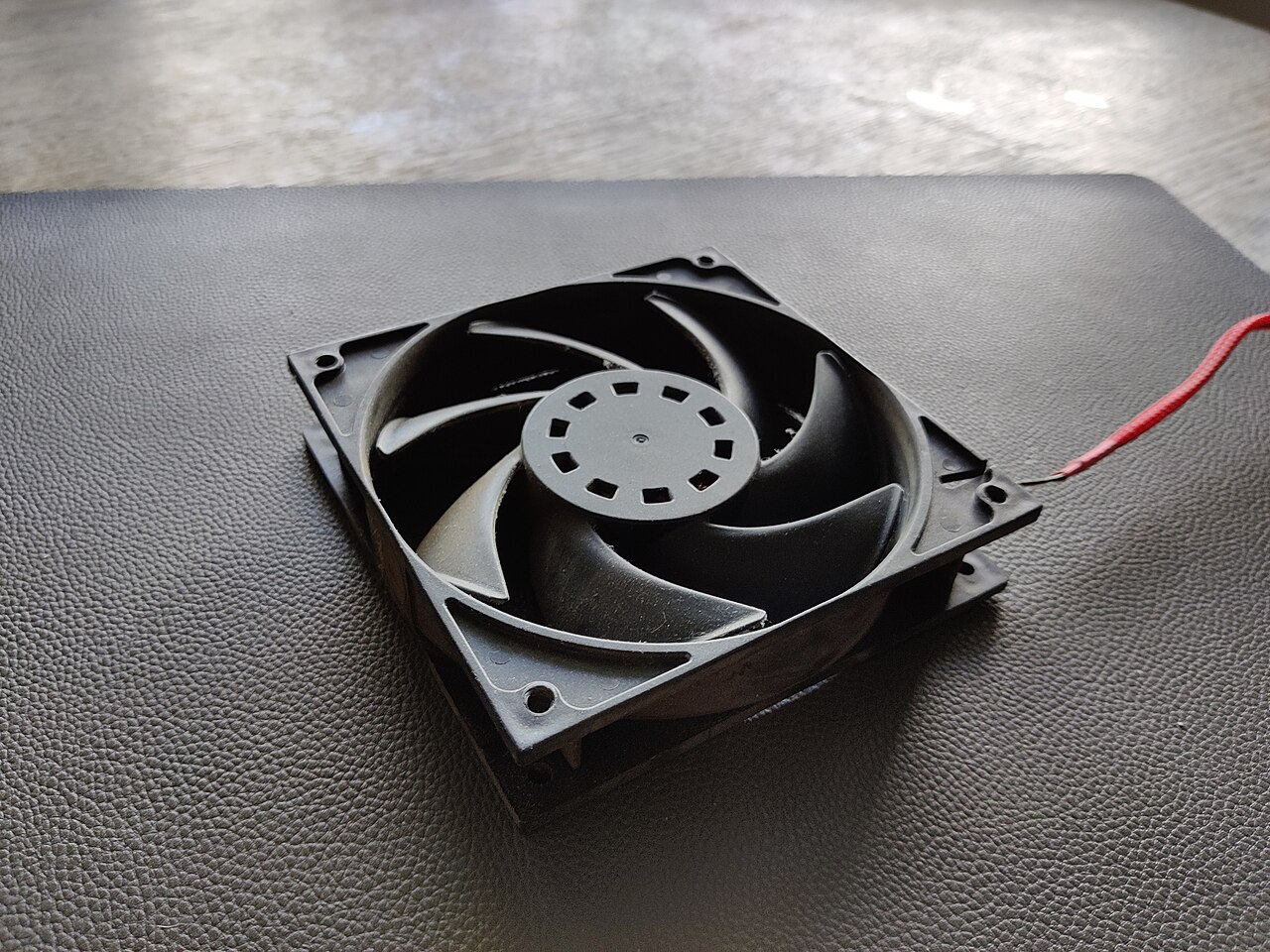
From there the paths split. In an air cooler, heat moves into a conductive baseplate, usually copper or aluminum, and then into attached heat pipes. Those pipes carry the heat to a heatsink made of thin metal fins designed to maximize exposure to surrounding air. A fan pushes the warmed air away from the fins and out of the system. The whole assembly sits directly on the CPU socket.
An AIO moves heat with liquid instead. A pump mounted on the CPU circulates coolant through tubes to a radiator mounted elsewhere in the case, usually the top or the front. Fans on the radiator push that heat out of the case. The loop is sealed on most AIOs, so there is generally nothing to fill or refill.
Case airflow matters for both. The cooler the air reaching the radiator or the heatsink, the cooler your CPU runs, so intake and exhaust fans deserve as much attention as the CPU cooler itself.
Cost: What You Actually Pay Up Front
Price is the clearest difference. Air coolers are generally the cheaper option, and saving money is one of the main reasons builders pick them. An AIO costs more, and the price climbs with radiator size. A 360mm radiator with three 120mm fans sits at the larger end of the common sizes, and those units carry higher price tags than a comparable air tower.
The sticker price is not the whole cost. Mounting a radiator requires a case with clearance to hold it, so an AIO can push you toward a roomier, more expensive case. Big tower air coolers have their own fit problem: some are tall enough to crowd side panels or small cases, which you confirm on the case’s spec sheet before buying.
Cooler choice belongs in the total build budget rather than as a standalone decision. If you are assembling your first system, our guide to mistakes to avoid when building your first gaming PC covers how parts fit together financially and physically.
Noise and Temperature Performance
The cooler you pick directly shapes both CPU temperatures and fan noise. Under heavy load, a good cooler can also keep a high-end CPU’s boost clocks higher for longer, which translates into real performance rather than just lower numbers in a monitoring app.
AIOs earn their price in high-end systems. Liquid carries heat to a large radiator with room for multiple fans, and a bigger radiator with more fans provides more heat dissipation than a smaller one. That is why AIOs are often the pick for builders who want to get the most from a high-end CPU while keeping things quiet.
Air coolers are not far behind. High-end air towers can perform very well, and the better ones hold their own against liquid cooling for most processors. The gap opens mainly at the top of the CPU market, where the hottest chips benefit from extra radiator surface.
An undersized cooler shows up as throttling, where the CPU does not run at the speed you paid for. Cooling capacity is performance, not just comfort.
Maintenance, Lifespan and Failure Risks
Reliability favors air, mostly because there is less to fail. An air cooler is a block of metal and one or two fans. Fans wear out eventually like any case fan, dust builds up on the fins, and an occasional cleaning keeps performance steady. If a fan dies, you replace an inexpensive part and keep the cooler.
An AIO adds a pump, coolant, tubes and a radiator, and each brings a possible failure mode. A failing pump stops coolant circulation, and temperatures climb quickly. Leaks or air pockets in the loop reduce cooling effectiveness. An undersized radiator cannot handle a high-performance CPU no matter how well everything else works. Most AIOs are sealed, but it still pays to check occasionally for signs of leaks or reduced performance, and if your cooler has companion software, keeping it updated helps fan and pump control work properly.
When an AIO fails, you replace the whole unit, so the warranty matters. Check the length and terms before you buy, and keep the receipt with your other build paperwork.
Watch out
If CPU temperatures climb suddenly on a system that used to run cool, shut the PC down and check the cooler first. A failed pump, a loose mount or old thermal paste are the usual suspects, and catching them early protects the processor.
Side-by-Side at a Glance
Here is how the two compare:
| Factor | Air Cooler | AIO Liquid Cooler |
|---|---|---|
| Up-front cost | Generally cheaper | Costs more; price rises with radiator size |
| Noise under load | Simple design; noise depends on the fan | Often picked for quiet operation with high-end CPUs |
| Maintenance | Occasional dusting; simple parts | Sealed loop; watch for leaks and pump health |
| Failure risk | Low; a dead fan is a cheap fix | Pump failure or leaks mean replacing the unit |
| Installation | Simpler, though big towers are heavy and tall | More steps: block, radiator, tubes, extra cables |
| Best for | Budget builds, midrange CPUs, first-time builders | High-end CPUs, quiet systems, show builds |
Installation Difficulty Compared
High-end air coolers are generally easier to install and maintain than liquid coolers, which matters on a first build. Mounting one means attaching a backplate and bracket, setting the cooler on the CPU, and plugging in a fan cable. Larger towers can be awkward to maneuver and put weight on the board, so many builders install the cooler before mounting the motherboard in the case.
An AIO involves more steps. You mount the pump block on the CPU, attach the radiator to the case, route the tubes without kinking them, and connect both the pump and the radiator fans to the motherboard. A forgotten connection can leave the CPU without adequate cooling, so walk through the manual’s diagrams before the first power-on. Radiator placement also affects tube routing and which way your fans exhaust, so decide the location before you buy.
Which Cooler Fits Which Kind of Build
Pick air if you want the simplest and cheapest path to good cooling. It suits budget and midrange builds, first-time builders, small cases without radiator support, and anyone who values a cooler with almost nothing that can fail.
Pick an AIO if you run a high-end CPU and want the best performance from it while keeping noise down, or if a tall air tower would crowd your RAM or case clearance. Match the cooler’s capacity to the processor: a radiator that cannot handle a hot chip will throttle under load no matter how premium the rest of the system is.
Let the rest of the build guide the decision too. Cooling a processor that will only ever game at 1080p is money that might do more good elsewhere, and our guide to choosing a gaming monitor explains how resolution and refresh rate should shape your parts list.
Player questions
Do AIO liquid coolers need refilling?
Most AIO coolers are sealed at the factory, so there is generally nothing to fill or refill. You should still check occasionally for signs of leaks or reduced performance.
Can an air cooler handle a high-end CPU?
High-end air coolers can perform very well and hold their own against liquid cooling for most processors. The gap mainly opens at the top of the CPU market.
Why is my CPU running hot even with a good cooler?
A failing pump, a loose mount or old or improperly applied thermal paste are common causes. Case airflow matters too, since the cooler needs cool air to work with.
Which cooler type is easier for a first-time builder?
Air coolers. They involve fewer parts and cables, while an AIO adds a pump block, radiator mounting, tube routing and extra connections to the motherboard.
Games, platforms and settings change with updates, so check the official help pages for your platform if something looks different.